How to Get the Best Wi-Fi Signal Inside Your Mobile Home or RV

 By Nicole Cimino February 3, 2026
 Getting a strong, reliable Wi-Fi signal inside your mobile home or RV can be challenging. Metal construction, thick walls, and distance from access points all affect connectivity. Fortunately, several practical steps can significantly improve your internet performance without requiring technical expertise or expensive equipment.
Whether you’re working remotely, streaming entertainment, or staying connected with family, these tips help you maximize the Wi-Fi signal available at your property.
Position Your Router or Device Strategically
If you use a personal router in your mobile home or RV, placement matters significantly. Central locations work best, so try to avoid corners, closets, or positions near metal appliances that block signals. Elevating your router on a shelf improves signal distribution throughout your space.
Keep routers away from electronics that generate interference. Microwaves, cordless phones, and baby monitors operate on similar frequencies and can degrade Wi-Fi performance.
For RV travelers, position devices near windows when possible. Wi-Fi signals penetrate glass more easily than metal walls. If you’re connecting to campground Wi-Fi, moving closer to the window facing the nearest access point often provides better performance.
Reduce Physical Obstacles Between You and the Signal
Metal and water block Wi-Fi signals effectively. In mobile homes and RVs, avoid positions where large appliances, water heaters, or metal cabinets sit between your device and the router or access point.
Rearranging your workspace can make substantial differences. If your desk sits against a metal exterior wall, moving it toward the interior often improves connectivity. Understanding your property’s Wi-Fi infrastructure helps you position yourself optimally.
Connect to the Right Network and Frequency Band
Many properties offer both 2.4 GHz and 5 GHz Wi-Fi networks. Understanding the difference helps you choose appropriately for your situation.
2.4 GHz networks provide better range and penetrate walls more effectively, making them better for devices far from access points or in locations with obstacles. However, they offer slower maximum speeds and experience more interference from other devices.
5 GHz networks deliver faster speeds with less interference but have shorter range and struggle penetrating walls. They work best when you’re relatively close to an access point with minimal obstacles.
For most situations in mobile homes and RVs, the 2.4 GHz network provides more reliable connectivity unless you’re close to an access point and need maximum speed for activities like video conferencing or large file transfers.
Minimize the Number of Connected Devices
Every device connected to your network shares available bandwidth. Smartphones, tablets, smart TVs, gaming consoles, and smart home devices all compete for connectivity.
Disconnect devices you’re not actively using. That smart TV doesn’t need internet connection when you’re not watching it. Smartphones and tablets can disconnect from Wi-Fi when you’re not using them, reducing the load on your network.
Modern households operate numerous connected devices simultaneously, but not all require constant connectivity. Being selective about which devices stay connected improves performance for the devices you’re actively using.
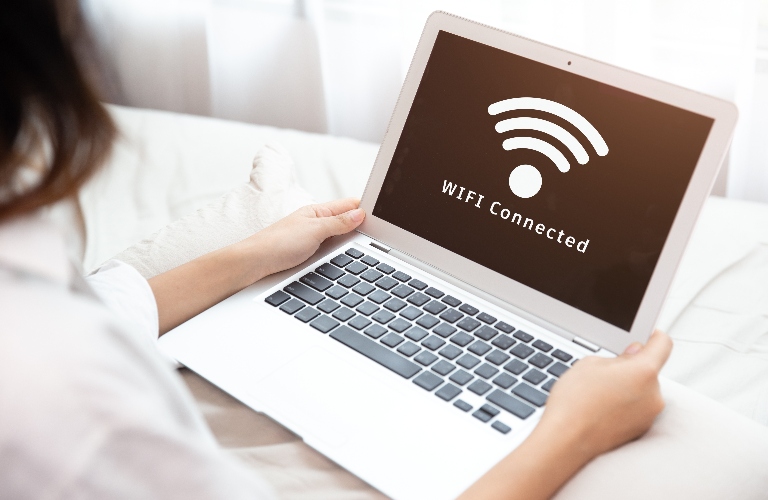
Use Wired Connections When Possible
Ethernet connections deliver faster, more reliable performance than Wi-Fi. If your mobile home or RV has ethernet ports, use them for stationary devices like desktop computers, gaming consoles, or smart TVs.
Wired connections eliminate Wi-Fi signal issues entirely while reducing the number of devices competing for wireless bandwidth. A simple ethernet cable costs less than most connectivity solutions and delivers immediate performance improvements.
Update Your Device Software and Restart Equipment Regularly
Outdated device software can cause connectivity problems. Enable automatic updates on your devices to ensure you’re running current software versions that include Wi-Fi performance improvements.
Simple restarts resolve many connectivity issues. If you use a personal router, power cycling it monthly clears temporary glitches. Restart your devices regularly as well—smartphones, tablets, and computers accumulate background processes that affect connectivity.
For persistent issues with community-provided Wi-Fi, contact your property’s tech support rather than attempting advanced troubleshooting yourself. Professional support teams can diagnose infrastructure issues and resolve problems quickly.
When to Contact Your Property’s Internet Support
Some connectivity issues require professional intervention. If you’ve tried these steps and still experience persistent problems, contact your property’s internet support.
Issues worth reporting include consistent slow speeds during specific times, complete connection failures, or frequent disconnections. These symptoms often indicate infrastructure issues that only network technicians can resolve. Properties with quality internet infrastructure provide responsive support that resolves issues quickly.
Making the Most of Your Community’s Wi-Fi
Getting optimal Wi-Fi performance in your mobile home or RV combines smart device positioning, selective connectivity, and proper equipment configuration. These practical steps improve your experience with whatever internet infrastructure your property provides.
While these tips help maximize available connectivity, properties with modern fiber infrastructure deliver fundamentally better performance that makes connectivity challenges less frequent. Quality infrastructure combined with proper device management provides the reliable internet modern residents and guests expect.